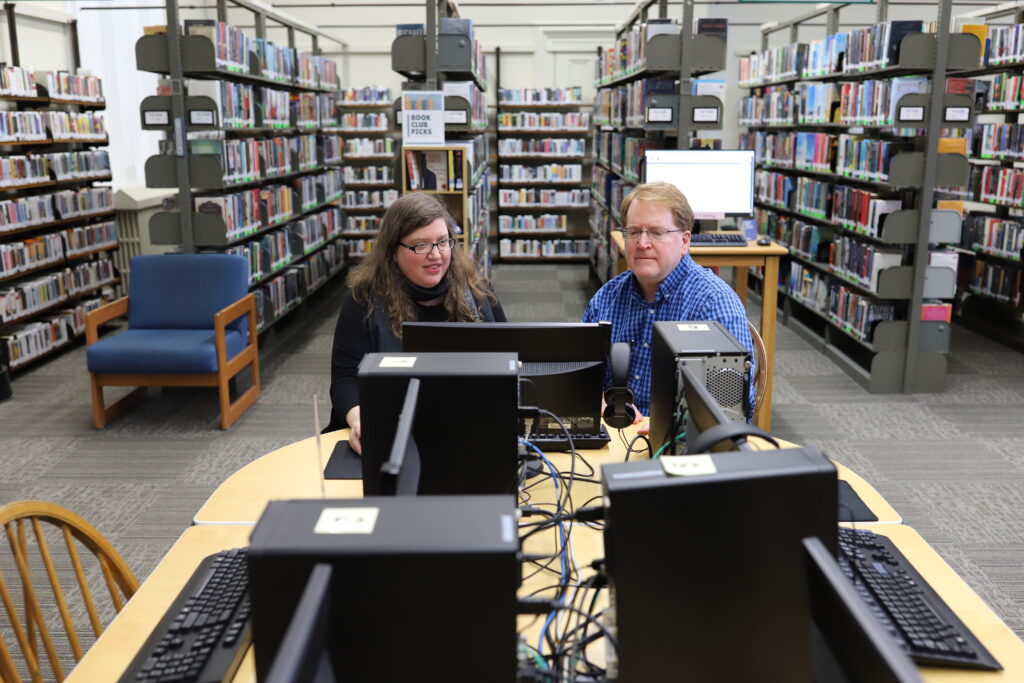
Tech Help
Our Information Desk staff on the second floor can help you with technology questions. If you want to make an appointment with our Technology Coordinator, email tech@mcarthurlibrary.org or call (207) 286-9326.
We have recently expanded our Tech Help program to include several new services, all at no cost! These all generally require an appointment to be made and is subject to availability.
- 1-1 Help (Email, Facebook & others)
- Minor Device Repair & Diagnostics (may need liability waiver)
- Computer & laptop repair (minor)
- Phone & tablet diagnostics (no repair)
- Testing & diagnostic services on most devices
- Set up services (Email, Phone Service, etc..)
- Virus & Malware support & solutions
- Disc burning (for private use only, no copyrighted materials)
- Data Recovery of images & files (must prove ownership)
- Online application help (english & non-english speakers, no taxes)
- Audiobook Support (Hoopla & CloudLibrary)
- Minerva Help
- Account Lockouts & Recovery
- Resume Building (basic support)
- Setting up bluetooth devices (earbuds, readers, assistive technology)
- Smart watch setup
- Shopping Consulting (what to buy, where to buy, what to look for)
- Virtual Meetings (Facetime, Google Duo, Zoom & Remote Desktop)
Tech Classes
Since February of 2024 we have partnered with the National Digital Equity Center (NDEC) as a Partner Site to offer in-person Tech Classes at the library. These classes have been taught using NDEC’s instructors and curriculum. Due to federal funding cuts, NDEC’s Partner Site program has been put on hold. When additional funding is acquired, it is hoped that this program will re-start.
Note that you can still take on-line classes through NDEC, either from home or by using a public computer in the library. Alternatively, conference room space can be scheduled by emailing meetingroom@mcarthurlibrary.org. If a laptop is needed, indicate that in the meeting room request. Conference rooms and laptops for this use are available only by scheduling through the library.